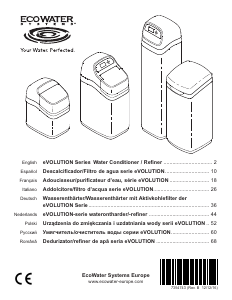
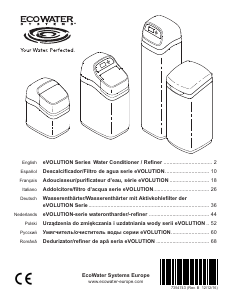
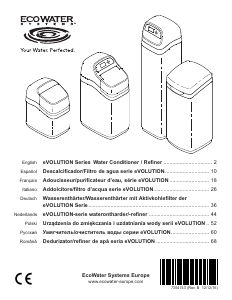
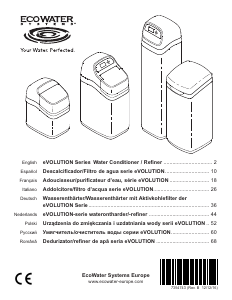
Manual de uso EcoWater Comfort 400 Purificador de agua

¿Necesita un manual para su EcoWater Comfort 400 Purificador de agua? A continuación puedes ver y descargar el manual en PDF gratis en español. Este producto actualmente tiene 1 pregunta frecuente, 1 comentario y tiene 2 votos con una calificación promedio de producto de 0/100. Si este no es el manual que desea, , contáctenos.

¿Su producto tiene algún defecto y el manual no ofrece ninguna solución? Vaya a Repair Café para solicitar un servicio de reparación gratuito.

Manual de uso

Loading…
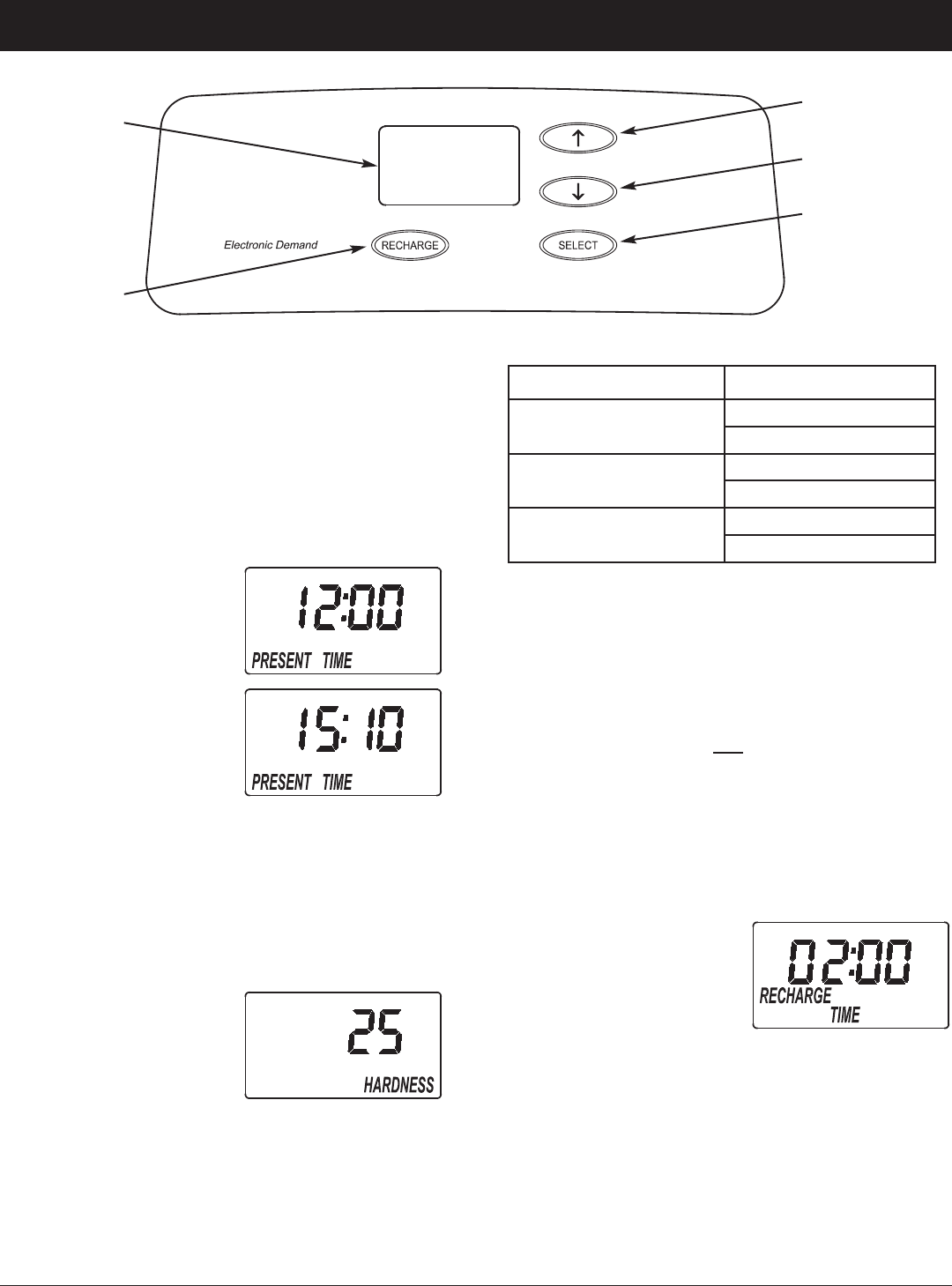
CONTROLLER SETTINGS REQUIRED
upon installation, and after an extended power outage.
When the power supply is plugged into the electrical
outlet, a model code and a version number are briefly
shown in the display. Then the words “PRESENT
TIME” appear and 12:00 begins to flash.
A. SET PRESENT TIME OF DAY
1. If the words “PRESENT
TIME" do not show in the
display, press the
SELECT button several
times until they do.
2. Press the á UP or â
DOWN buttons to set the
present time. Up moves
the display ahead; down
sets the time back.
NOTE: Press buttons and
quickly release to slowly advance the display.
Hold the buttons down for fast advance.
3. When the correct time is displayed, press the
SELECT button, and the display will change to show
the “Hardness” screen.
B. SET WATER HARDNESS NUMBER
1. If you completed the pre-
vious step, the word
“HARDNESS" should
show in the display.
Otherwise, press the
SELECT button several
times until it does.
2. Press the
á UP or â DOWN buttons to set the
value of your water’s hardness in grains per gallon
(gpg). The default is 25. See the following table for
unit conversions.
4
Water Softener Programming
ECOWATER
S Y S T E M S
English
UP button
DOWN button
Display
RECHARGE
button
SELECT button
Hardness Unit Conversions
French degrees (°f)
gpg = °f x 0.584
°f = gpg x 1.712
German degrees (°dH)
gpg = °dH x 1.043
°dH = gpg x 0.959
Parts per million (ppm)
gpg = ppm x 0.0584
ppm = gpg x 17.12
NOTE: If your water supply contains iron, compensate
for it by adding to the water hardness number.
For example, assume your water is 20 gpg hard
and contains 2 ppm iron. Add 5 to the hardness
number for each 1 ppm of iron. In this example,
you would use 30 for your hardness number.
20 gpg hardness
2 ppm iron x 5 = 10 +10
(times) 30 HARDNESS NUMBER
2. When finished setting your water’s hardness number,
press the SELECT button, and the display will
change to show the “Recharge Time” screen.
C. SET RECHARGE START TIME
1. If you completed the pre-
vious step, the words
“RECHARGE TIME"
should show in the dis-
play. Otherwise, press
the SELECT button sev-
eral times until they do.
2. The softener’s default recharge start time is 02:00.
In most households this is a good time for recharge
to start (takes about 2 hours) because water is not
being used. During recharge hard water is bypassed
to house faucets. Use the á UP or â DOWN but-
tons to adjust the recharge start time in 1 hour incre-
ments.
3. When the desired recharge time is displayed, press
the SELECT button, and the display will change to
show the normal run (time of day) screen.
Descargue el manual en Español (PDF, 3.55 MB)
(Piense en el medioambiente y solo imprima este manual si es de verdad necesario)

Loading…

Puntuación

Dé su opinión de la EcoWater Comfort 400 Purificador de agua calificando el producto. ¿Quiere compartir su experiencia con este producto o hacer una pregunta? Deje un comentario en la parte inferior de la página.
¿Estás satisfecho con elEcoWater Comfort 400 Purificador de agua?
No
0%
100%
2 votos

Únase a la conversación sobre este producto

Aquí puedes compartir lo que piensas sobre EcoWater Comfort 400 Purificador de agua. Si tiene alguna pregunta, primero lea atentamente el manual. Puede solicitar un manual utilizando nuestro formulario de contacto.

OSCAR ALASIA 02-03-2023
No recuerdo exactamente el procedimiento a seguir para reemplazar el cartucho del filtro. ¿Me pueden recordar los pasos a seguir? Gracias.

responder | Ha sido de gran ayuda (0) (Traducido por Google)

Más sobre este manual

Entendemos que es bueno tener un manual en papel para tus EcoWater Comfort 400 Purificador de agua. Siempre puedes descargar el manual desde nuestro sitio web e imprimirlo tú mismo. Si deseas tener un manual original te recomendamos contactar con EcoWater. Es posible que puedan proporcionar un manual original. ¿Estás buscando el manual de tu EcoWater Comfort 400 Purificador de agua en otro idioma? Elija su idioma preferido en nuestra página de inicio y busque el número de modelo para ver si lo tenemos disponible.

Especificaciones

Marca EcoWater
Modelo Comfort 400
Categoría Purificadores de agua
Tipo de archivo PDF
Tamaño del archivo 3.55 MB

Todos los manuales para EcoWater Purificadores de agua
Más manuales de Purificadores de agua

Preguntas frecuentes sobre EcoWater Comfort 400 Purificador de agua

Nuestro equipo de atención al cliente busca información útil sobre los productos y responde a las preguntas frecuentes. Si encuentra inexactitudes en las preguntas frecuentes, indíquenoslo usando nuestro formulario de contacto.

¿Qué tipo de sustancias elimina un purificador de agua del agua? Verificado

Esto depende de la marca y modelo del purificador de agua. Generalmente, los purificadores de agua funcionan con un proceso llamado 'Ósmosis Inversa' (RO). Esto filtra incluso las partículas más pequeñas del agua. También se eliminarán minerales del agua. Los purificadores de agua también pueden funcionar con luz ultravioleta. Estos purificadores de agua se centran principalmente en matar microorganismos.

Ha sido de gran ayuda (14) Leer más
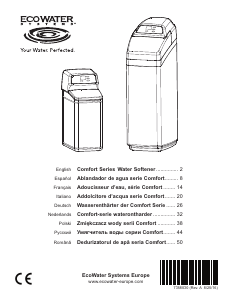
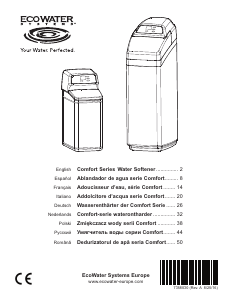
Manual de uso EcoWater Comfort 400 Purificador de agua

Productos relacionados

Categorias relacionadas

×
Download