5
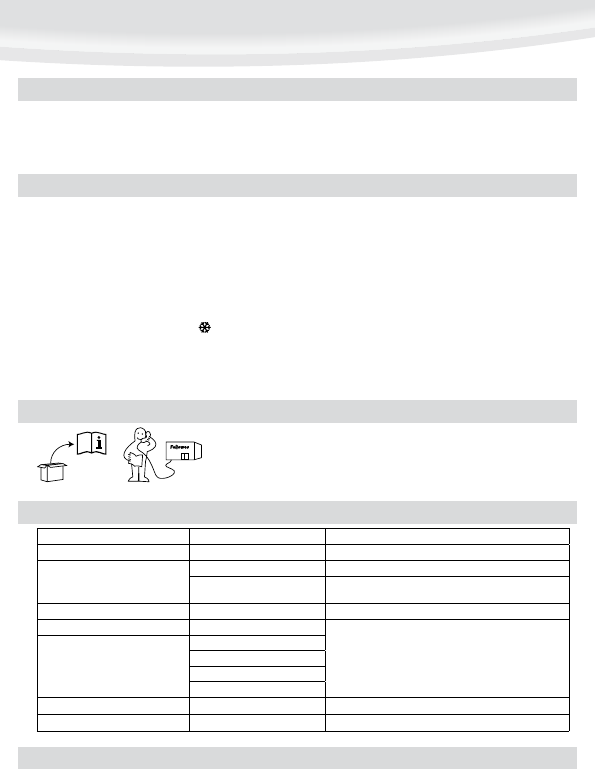
Let our experts help you with a solution.
Customer Service...
www.fellowes.com
Always call Fellowes before contacting your place of purchase, see the rear cover for contact details.
NEED HELP?
Ensure the machine is on a stable surface.
Check there is enough clear space (min 50cm) behind the machine to allow
items to pass through freely.
Plug the machine into an easily accessible mains socket.
1.
2.
3.
SETTING UP THE LAMINATOR
HOW TO LAMINATE
Switch off the machine at the wall. Allow the machine to cool. The outside of the machine can be cleaned with a damp cloth. Do not use solvents or flammable materials to
polish the machine. Cleaning sheets can be used with the machine. When the machine is warm – run the sheets through the machine to clean any residue off the rollers. For
optimum performance, it is recommended that cleaning sheets are used with the machine regularly. (Cleaning sheet order codes #5320601)
Problem Possible cause Solution
No control panel illumination Machine not switched on Switch on machine at rear next to plug inlet and at the wall socket
Pouch does not completely seal the item
Item may be too thick to laminate Check pass through thickness is correctly selected and pass through again
Temperature setting may be incorrect Check pouch thickness is correctly selected and pass through again
Pouch has waves or bubbles Temperature setting may be incorrect Check pouch thickness is correctly selected and pass through again
Pouch is lost in the machine Pouch is jammed
Operate the release lever and pull out the item by hand
Jamming
Pouch was used ‘open end’ first
Pouch was not centred on entry
Pouch was not straight upon entry
Empty pouch was used
Pouch is damaged after lamination Damaged rollers or adhesive on rollers Pass cleaning sheets through the machine to test and clean rollers
Stand-by icon flashing Machine in ‘Power Save’ mode Press ‘Stand-by’ button, then press preferred setting
TROUBLESHOOTING
STORAGE & CLEANING
Switch the power on (located at the rear of the machine). The green ‘Standby’
symbol will light up. The machine is now in ‘Standby’ mode.
Press the ‘Standby’ symbol to turn the machine ‘On’. The ‘Safe Start’ function
will automatically select the cold setting.
To select pouch settings, press the + and – buttons to scroll up and down the
control panel. The scale setting will be blue for cold and red for hot settings.
For cold lamination, select the cold setting only ( ). For hot lamination,
choose the pouch thickness setting as required (75, 100, 125 microns).
The green ‘Wait’ symbol will flash during warm-up or cool-down periods.
When the machine is ready, the flashing ‘Wait’ symbol will change to a solid
colour and a signal will sound.
Place the document into the open pouch. Ensure the document is centred
against the sealed edge. Use the appropriate pouch size for the document.
Ensure the pouch enters the machine sealed edge first. Keep the pouch
straight and central within the slot, not on an angle. Use the entry markings
as a guide.
Upon exit, the laminated pouch may be hot and soft. To prevent jamming
remove the pouch immediately. Place pouch on to a flat surface to cool. Take
care when handling a hot pouch.
To remove or re-align pouches during lamination, press and hold the reverse
button until the pouch is ejected from the entry slot.
4.
5.
6.
7.
8.
9.
10.
11.
12.


Únase a la conversación sobre este producto
Aquí puedes compartir lo que piensas sobre Fellowes Callisto A4 Plastificadora. Si tiene alguna pregunta, primero lea atentamente el manual. Puede solicitar un manual utilizando nuestro formulario de contacto.