
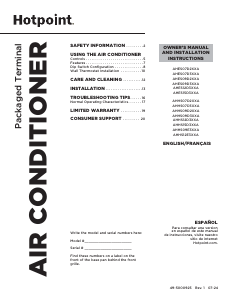
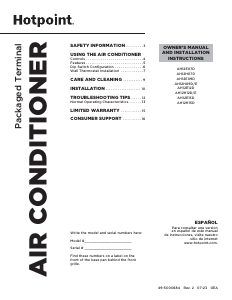
Manual de uso Hotpoint HW18HN2DAB Aire acondicionado
¿Necesita un manual para su Hotpoint HW18HN2DAB Aire acondicionado? A continuación puedes ver y descargar el manual en PDF gratis en español. Este producto actualmente tiene 7 preguntas frecuentes, 0 comentarios y tiene 0 votos. Si este no es el manual que desea, , contáctenos.
¿Su producto tiene algún defecto y el manual no ofrece ninguna solución? Vaya a Repair Café para solicitar un servicio de reparación gratuito.
Manual de uso
Loading…
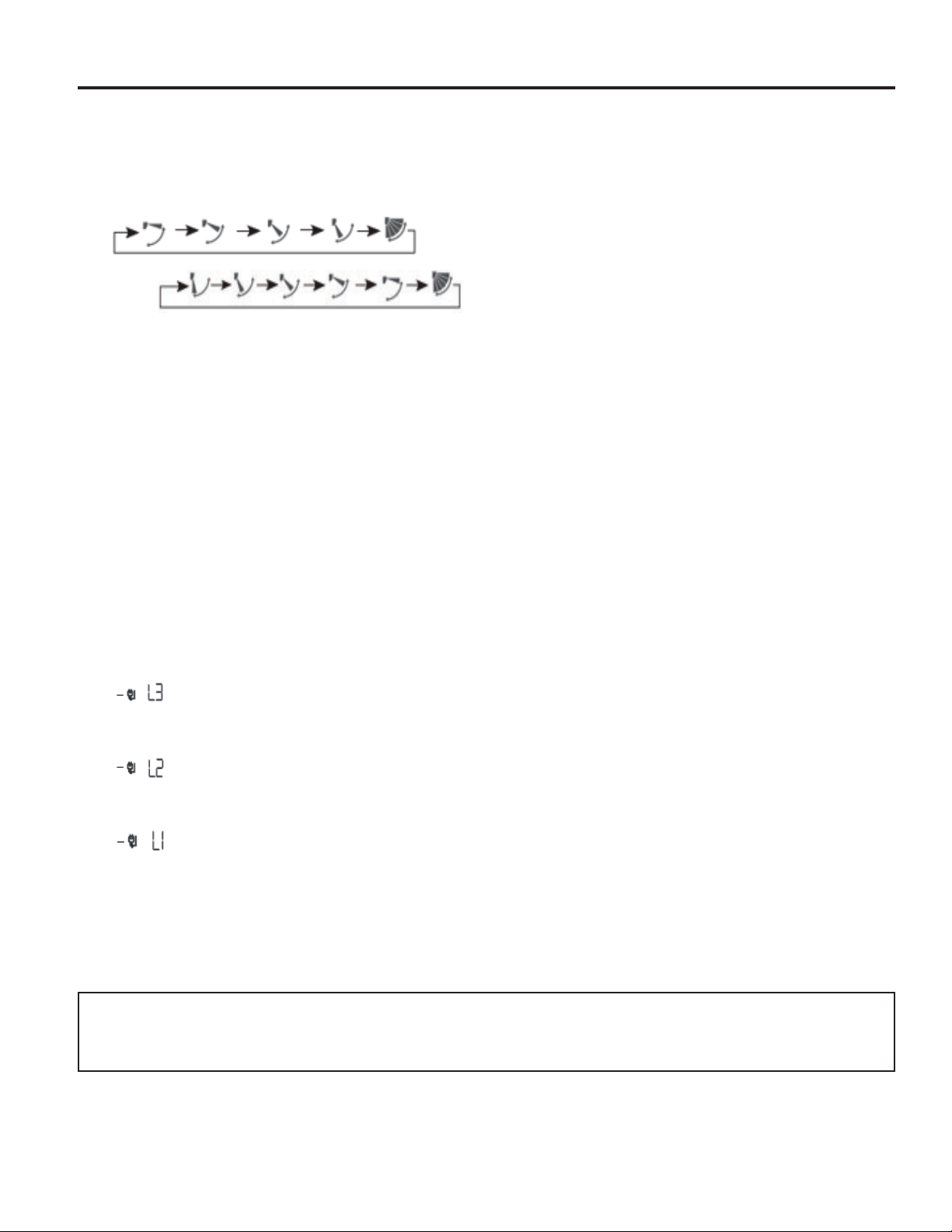

Loading…
Puntuación
Dé su opinión de la Hotpoint HW18HN2DAB Aire acondicionado calificando el producto. ¿Quiere compartir su experiencia con este producto o hacer una pregunta? Deje un comentario en la parte inferior de la página.Más sobre este manual
Entendemos que es bueno tener un manual en papel para tus Hotpoint HW18HN2DAB Aire acondicionado. Siempre puedes descargar el manual desde nuestro sitio web e imprimirlo tú mismo. Si deseas tener un manual original te recomendamos contactar con Hotpoint. Es posible que puedan proporcionar un manual original. ¿Estás buscando el manual de tu Hotpoint HW18HN2DAB Aire acondicionado en otro idioma? Elija su idioma preferido en nuestra página de inicio y busque el número de modelo para ver si lo tenemos disponible.
Especificaciones
| Marca | Hotpoint |
| Modelo | HW18HN2DAB |
| Categoría | Aires acondicionados |
| Tipo de archivo | |
| Tamaño del archivo | 0.55 MB |
Todos los manuales para Hotpoint Aires acondicionados
Más manuales de Aires acondicionados
Preguntas frecuentes sobre Hotpoint HW18HN2DAB Aire acondicionado
Nuestro equipo de atención al cliente busca información útil sobre los productos y responde a las preguntas frecuentes. Si encuentra inexactitudes en las preguntas frecuentes, indíquenoslo usando nuestro formulario de contacto.
¿Con qué frecuencia debo limpiar o cambiar los filtros del aire acondicionado? Verificado
Se aconseja revisar los filtros del aire acondicionado 4 veces al año. Los filtros sucios se pueden limpiar con una aspiradora o bien lavarse, dependiendo del tipo que sean. Durante las tareas de mantenimiento un profesional deberá valorar si es el momento de reemplazar los filtros.
Ha sido de gran ayuda (3058) Leer más¿Qué significan las siglas BTU? Verificado
BTU son las siglas en inglés de Unidad Térmica Británica. Esta unidad indica la capacidad de enfriamiento.
Ha sido de gran ayuda (1174) Leer más¿Todos los acondicionadores de aire funcionan también como deshumidificadores? Verificado
El aire frío producido por un acondicionador de aire a menudo tiene una humedad relativamente baja. Sin embargo, el efecto es menor que cuando se usa un deshumidificador real. Algunos acondicionadores de aire tienen una característica especial para deshumidificar el aire.
Ha sido de gran ayuda (930) Leer más¿Qué es el R-410A? Verificado
El R-410A es un refrigerante que se utiliza en aparatos que enfrían hasta 0 °C, como neveras y aires acondicionados. Es el reemplazo de los refrigerantes más antiguos y no daña la capa de ozono.
Ha sido de gran ayuda (662) Leer más¿Cuál es el mejor lugar para montar la unidad interior de un aire acondicionado tipo split? Verificado
Depende del espacio, pero en general aplican los siguientes consejos. Asegúrese de que no haya nada que obstruya el flujo de aire. Asegúrese de que el lugar sea accesible para realizar el mantenimiento. Monte la unidad al menos a 2 metros del suelo.
Ha sido de gran ayuda (469) Leer másEl aire acondicionado, ¿influye negativamente en la calidad del aire? Verificado
Si el aire acondicionado se ha mantenido correctamente, no tendrá ningún efecto sobre la calidad del aire. Si un filtro no se ha reemplazado durante mucho tiempo o no se ha realizado otro tipo de mantenimiento, por ejemplo, entonces un aire acondicionado puede producir aire viciado.
Ha sido de gran ayuda (459) Leer más¿Puedo colocar mi aire acondicionado portátil en un armario para que no se vea? Verificado
En absoluto. Un aire acondicionado portátil necesita espacio para permitir el flujo y la entrada de aire. En un espacio pequeño el dispositivo puede sobrecalentarse.
Ha sido de gran ayuda (456) Leer más
Únase a la conversación sobre este producto
Aquí puedes compartir lo que piensas sobre Hotpoint HW18HN2DAB Aire acondicionado. Si tiene alguna pregunta, primero lea atentamente el manual. Puede solicitar un manual utilizando nuestro formulario de contacto.