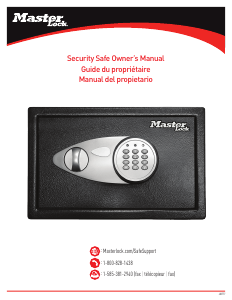
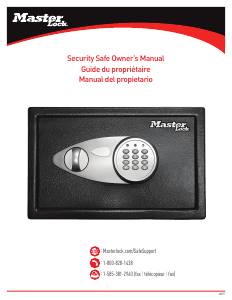
Manual de uso MasterLock X055ML Caja fuerte

¿Necesita un manual para su MasterLock X055ML Caja fuerte? A continuación puedes ver y descargar el manual en PDF gratis en español. Este producto actualmente tiene 3 preguntas frecuentes, 0 comentarios y tiene 1 voto con una calificación promedio de producto de 0/100. Si este no es el manual que desea, , contáctenos.

¿Su producto tiene algún defecto y el manual no ofrece ninguna solución? Vaya a Repair Café para solicitar un servicio de reparación gratuito.

Manual de uso

Loading…
Bolt-Down Instructions
To help provide maximum security, it is highly recommended
that you bolt down your safe.
Set the safe in the place you intend to bolt it down and open the
door.
Using a pencil mark the floor through the holes provided in the
bottom or back of your safe.
Move the safe away and drill holes of the appropriate diameter
and depth for the type of hardware being used and the mounting
surface.
Place the safe back over the holes and install the fasteners as
required.
Note: It is not recommended to attempt to bolt your safe to
both the floor and wall. If bolting to a wall, please ensure the
safe is resting on a supporting surface such as a table or shelf.
Thank you for choosing Master Lock to store all your important documents and valuables.
We hope that this product will help you stay organized and provide you with the peace-of-mind of knowing the things most important to you are protected.
Security Safe
Register Your Master Lock
Product
Registering your Master Lock product allows you to securely
store combinations, access your owner’s manual and more.
Registering your safe will also help our customer care team give
the best service possible if you ever have a question or concern.
Sign up today at masterlock.com/saferegistration.
For Key Lock Security Safes
Your Master Lock product is equipped with a high security key lock.
Two (2) keys are provided.
For Digital Security Safes
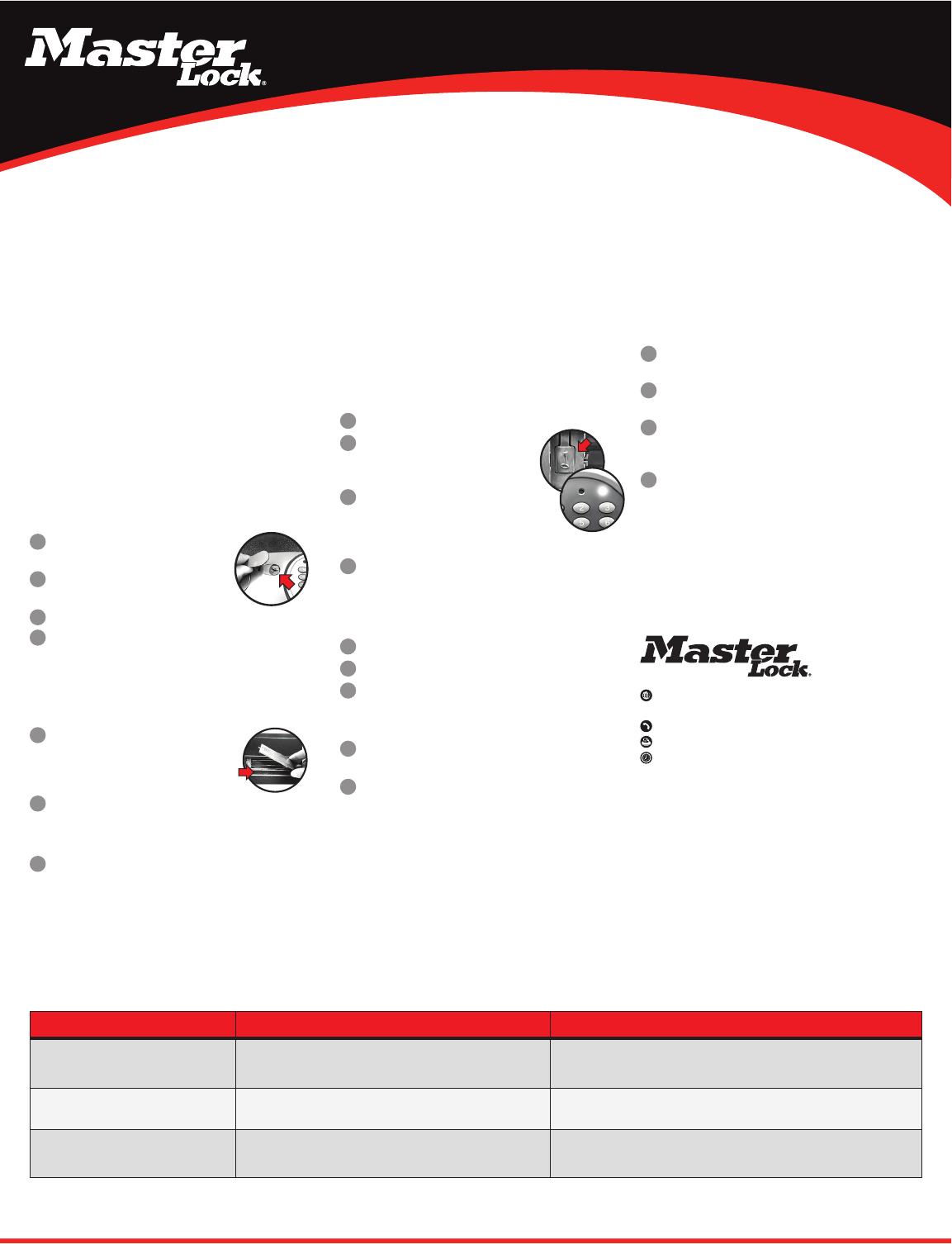
Opening Your Safe for the First Time (Using the Override Key)
Remove the cover located between the knob
and keypad.
Insert the override key provided and turn
counterclockwise.
Turn the knob clockwise to open the door.
Turn key back clockwise to remove the key and replace the cover
on the door.
Note: In an emergency, situation the safe can be opened using your
override key. DO NOT store your override key inside the safe.
Installing the Batteries
With the door open, remove the battery
compartment cover located on the inside of the
door by sliding the cover in the direction of the
arrow.
Install four (4) AA size alkaline batteries.
Note: Follow the polarity (+/-) markings in the battery
compartment to ensure proper installation.
Slide the battery cover back into place.
Note: Do not use rechargeable batteries or any other type of
non-alkaline battery. Do not mix old and new batteries. Do not mix
alkaline and other battery types.
Using Your Security Safe
IMPORTANT: All security safe models initially work using the
factory code 1-7-5-0-0 -#. It is highly recommended and important
to the security of your valuables that you re-program the safe with a
new user code. Once reprogrammed the factory code can no longer be
used to open your safe.
Programming Your New User Code
Open the safes door and remove the battery compartment cover.
Locate the button inside the battery
compartment and press. The yellow LED light
will go on.
Enter a new user code (between 2-8 digits)
followed by the “#” key. The yellow LED light will
go off to indicate the new code has been accepted
and stored.
Replace the battery compartment cover.
Note: Always test a new code before storing any valuables
inside the safe.
Unlocking Your Safe
Enter your factory code or user code followed by #.
The green LED light will go and remain on for 5 seconds.
Within 5 seconds, turn the knob clockwise and pull open
the door.
Locking Your Safe
With the bolts retracted into the door, firmly close the door of
the safe.
Turn the knob in the counter-clockwise direction to secure your
safe.
3
3
4
2
2
1
1
1
1
2
2
4
3
2
3
1
1
2
3
4
THE PROBLEM: WHY IT IS HAPPENING: THE SOLUTION:
A red LED light goes on when a button is
pressed.
Battery power is low. Install four (4) new AA size alkaline batteries.
Open with override key.
Digital lock is unresponsive when attempting
to press in code.
Battery power is low. Install four (4) new AA size alkaline batteries.
Open with override key.
5 beeps and a yellow LED light after entering
your code.
Invalid code. Wait one minute and retry your code.
Open with override key.
Troubleshooting
Customer Care
Our US-based customer care team is happy to help.
:
masterlock.com/safesupport
Milwaukee, Wisconsin 53210 U.S.A.
:
1-800-828-1438
:
1-585-381-2940 (fax)
:
(8 a.m. -6 p.m. E.S.T. Monday-Friday)
Got a question? We’re happy to help!
If you ever have any questions regarding your Master Lock product or
need to order a new key, please give us a call at 1-800-828-1438 or
visit our website at masterlock.com/safesupport. Many concerns can be
resolved quickly over the phone.
Descargue el manual en Español (PDF, 1.29 MB)
(Piense en el medioambiente y solo imprima este manual si es de verdad necesario)

Loading…

Puntuación

Dé su opinión de la MasterLock X055ML Caja fuerte calificando el producto. ¿Quiere compartir su experiencia con este producto o hacer una pregunta? Deje un comentario en la parte inferior de la página.
¿Estás satisfecho con elMasterLock X055ML Caja fuerte?
No
0%
100%
1 voto

Únase a la conversación sobre este producto

Aquí puedes compartir lo que piensas sobre MasterLock X055ML Caja fuerte. Si tiene alguna pregunta, primero lea atentamente el manual. Puede solicitar un manual utilizando nuestro formulario de contacto.

Más sobre este manual

Entendemos que es bueno tener un manual en papel para tus MasterLock X055ML Caja fuerte. Siempre puedes descargar el manual desde nuestro sitio web e imprimirlo tú mismo. Si deseas tener un manual original te recomendamos contactar con MasterLock. Es posible que puedan proporcionar un manual original. ¿Estás buscando el manual de tu MasterLock X055ML Caja fuerte en otro idioma? Elija su idioma preferido en nuestra página de inicio y busque el número de modelo para ver si lo tenemos disponible.

Especificaciones

Marca MasterLock
Modelo X055ML
Categoría Cajas fuertes
Tipo de archivo PDF
Tamaño del archivo 1.29 MB

Todos los manuales para MasterLock Cajas fuertes
Más manuales de Cajas fuertes

Preguntas frecuentes sobre MasterLock X055ML Caja fuerte

Nuestro equipo de atención al cliente busca información útil sobre los productos y responde a las preguntas frecuentes. Si encuentra inexactitudes en las preguntas frecuentes, indíquenoslo usando nuestro formulario de contacto.

La cerradura de mi caja fuerte electrónica no se abre, pero estoy seguro de que el código que introduzco es el correcto. ¿Qué puedo hacer? Verificado

Esto puede suceder cuando la tensión de las pilas es demasiado baja, algo que pasar con pilas baratas o casi agotadas. Cambie las pilas y vuelva a intentarlo. Si el problema persiste, debe ponerse en contacto con el fabricante.

Ha sido de gran ayuda (1505) Leer más

Perdí la combinación de mi caja fuerte, ¿qué puedo hacer? Verificado

En el caso de una caja fuerte con cerradura electrónica, a menudo se incluye una llave de emergencia con la que aún se puede abrir la caja fuerte. Si no hay una llave de emergencia u otra solución disponible, hay empresas especializadas que pueden ayudar. Sin embargo, en el caso de una caja fuerte pequeña, el costo de un especialista puede ser más alto que el de una caja fuerte nueva. En ese caso, la última opción es abrir la caja fuerte.

Ha sido de gran ayuda (727) Leer más

¿Cuándo es buena idea anclar mi caja fuerte? Verificado

Por lo general, es mejor anclar las cajas fuertes de 1000 kilogramos o menos. Así evitará que un ladrón robe la caja fuerte entera. También es posible que su compañía de seguros exija que ancle la caja fuerte. Siempre acuda a un especialista para anclar su caja fuerte.

Ha sido de gran ayuda (207) Leer más
Manual de uso MasterLock X055ML Caja fuerte

Productos relacionados

Categorias relacionadas

×
Download