Manual de uso Trust 18002 Tableta gráfica

¿Necesita un manual para su Trust 18002 Tableta gráfica? A continuación puedes ver y descargar el manual en PDF gratis en español. Este producto actualmente tiene 0 preguntas frecuentes, 0 comentarios y tiene 0 votos. Si este no es el manual que desea, , contáctenos.

¿Su producto tiene algún defecto y el manual no ofrece ninguna solución? Vaya a Repair Café para solicitar un servicio de reparación gratuito.

Manual de uso

Loading…
Fresco Widescreen Tablet – User’s Manual
3
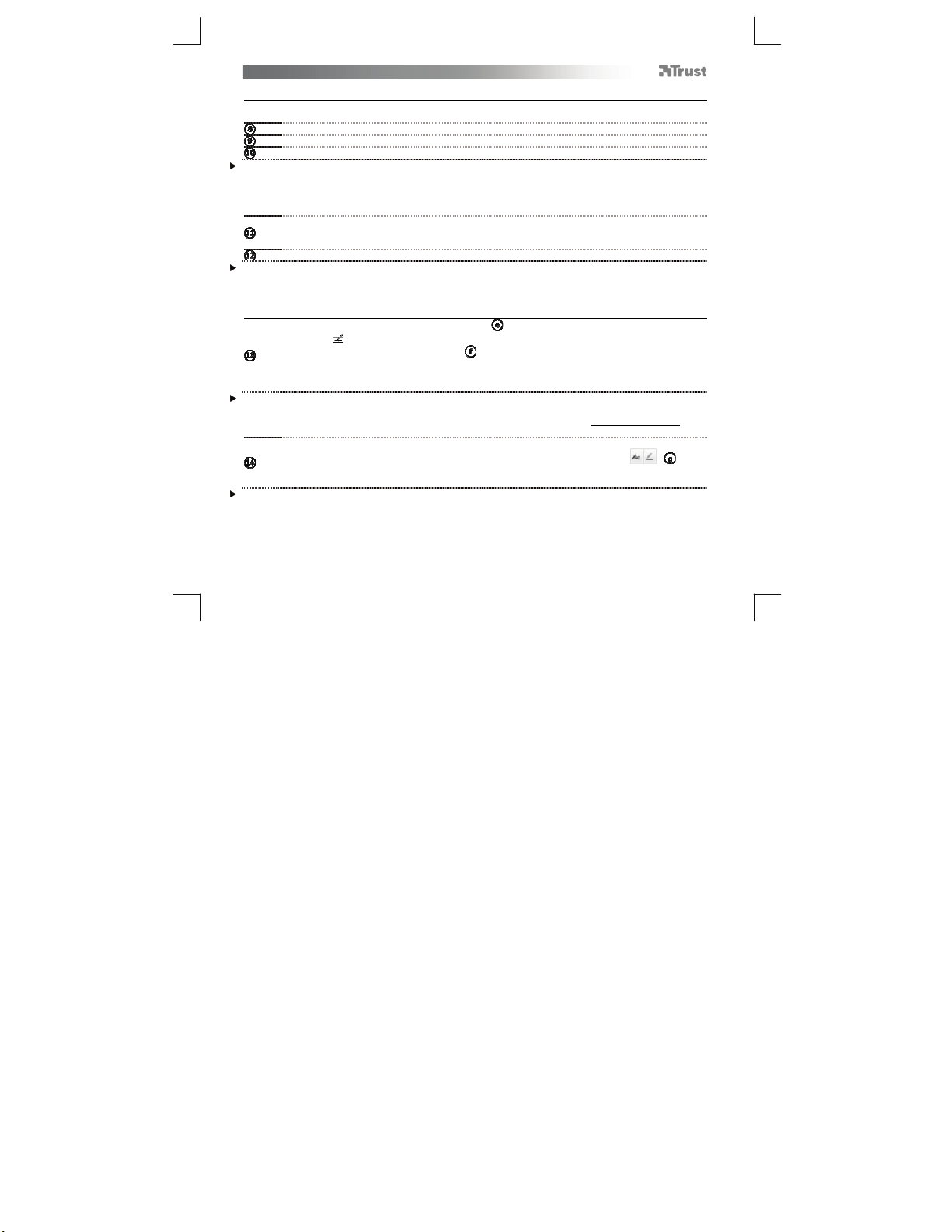
Draw (Draw)
Open a drawing program (For example, Artweaver is available on the Trust CD-ROM: select “Install
A
rtWeaver” from the menu to install it.)
Create a new document (File > New)
Set the attributes of your new document, press OK
Select a tool that supports Pen Pressure Sensitivity (Ex: in Artweaver: default brush)
With the pen’s pressure levels, you can use your brush the way you would use a real pencil and draw the
thickness and opacity you desire.
The pen can detect 2048 levels of pressure, and use the variation in levels to automatically change the size, the
color, or various settings of the tool you are currently using.
This allows for flexibility and gives a very intuitive feeling to your graphic work.
Move the pen in the tablet’s working area: the cursor will follow the movements. Hovering the pen tip at
about 5 mm from the surface will allow you to move the cursor on your screen. When you touch the
tablet’s surface, your brush will start drawing on the new document.
The color panel allows you to select different colors.
By default in most drawing programs, the color your brush is applying is black. Depending on the pressure you
exert with the pen on the tablet’s surface, your brush will paint in nuances going from white (no pressure) to
black (full pressure).
Write (Write)
Open the Input Panel (tap the docked input panel ( ), on the side of the screen, or tap the text input
floating bar ).
Your handwriting will be converted into text ( ). You can correct, erase or modify the proposed
conversion.
Then click or tap Insert to have the text you handwrote entered into the active document / text input
field.
Handwriting recognition is a feature of Windows Vista and Windows 7 that converts what you write into text you
can then format like any other text. The Handwriting Input Panel appears automatically when you start using
the tablet. If it does not show, or only appears as a virtual keyboard, please consult trust.com/18002/FAQ.
In Windows XP or Mac OS, a third-party software is required, to convert your handwriting into text.
fter installing and connecting your tablet, the handwriting feature of Live Messenger is activated.
It can be accessed, while in Live conversation, by clicking the corresponding button: ( )
You can then draw and send messages in your own handwriting, and use the six formatting buttons
that appear in the conversation window to personalize your messages.
To send handwritten messages you must have Windows 7, Windows Vista, or Windows XP with Service Pack 3
or later installed. The latest version of Live Messenger is also required.
Descargue el manual en Español (PDF, 6.91 MB)
(Piense en el medioambiente y solo imprima este manual si es de verdad necesario)

Loading…

Puntuación

Dé su opinión de la Trust 18002 Tableta gráfica calificando el producto. ¿Quiere compartir su experiencia con este producto o hacer una pregunta? Deje un comentario en la parte inferior de la página.
¿Estás satisfecho con elTrust 18002 Tableta gráfica?
No
Sea el primero en calificar este producto
0 votos

Únase a la conversación sobre este producto

Aquí puedes compartir lo que piensas sobre Trust 18002 Tableta gráfica. Si tiene alguna pregunta, primero lea atentamente el manual. Puede solicitar un manual utilizando nuestro formulario de contacto.

Más sobre este manual

Entendemos que es bueno tener un manual en papel para tus Trust 18002 Tableta gráfica. Siempre puedes descargar el manual desde nuestro sitio web e imprimirlo tú mismo. Si deseas tener un manual original te recomendamos contactar con Trust. Es posible que puedan proporcionar un manual original. ¿Estás buscando el manual de tu Trust 18002 Tableta gráfica en otro idioma? Elija su idioma preferido en nuestra página de inicio y busque el número de modelo para ver si lo tenemos disponible.

Especificaciones

Marca Trust
Modelo 18002
Categoría Tabletas gráficas
Tipo de archivo PDF
Tamaño del archivo 6.91 MB

Todos los manuales para Trust Tabletas gráficas
Más manuales de Tabletas gráficas
Manual de uso Trust 18002 Tableta gráfica
×
Download