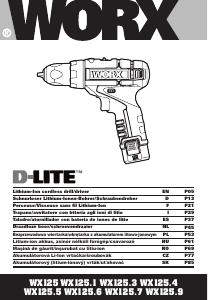
Manual de uso Worx WX125.6 D-Lite Atornillador taladrador

¿Necesita un manual para su Worx WX125.6 D-Lite Atornillador taladrador? A continuación puedes ver y descargar el manual en PDF gratis en español. Este producto actualmente tiene 3 preguntas frecuentes, 0 comentarios y tiene 0 votos. Si este no es el manual que desea, , contáctenos.

¿Su producto tiene algún defecto y el manual no ofrece ninguna solución? Vaya a Repair Café para solicitar un servicio de reparación gratuito.

Manual de uso

Loading…
Lithium-Ion cordless drill/driver EN
1110
2. SWITCH LOCK
The switch trigger can be locked in the OFF
position. This helps to reduce the possibility of
accidental starting when not in use. To lock the
switch trigger, place the rotation control in the
center position.
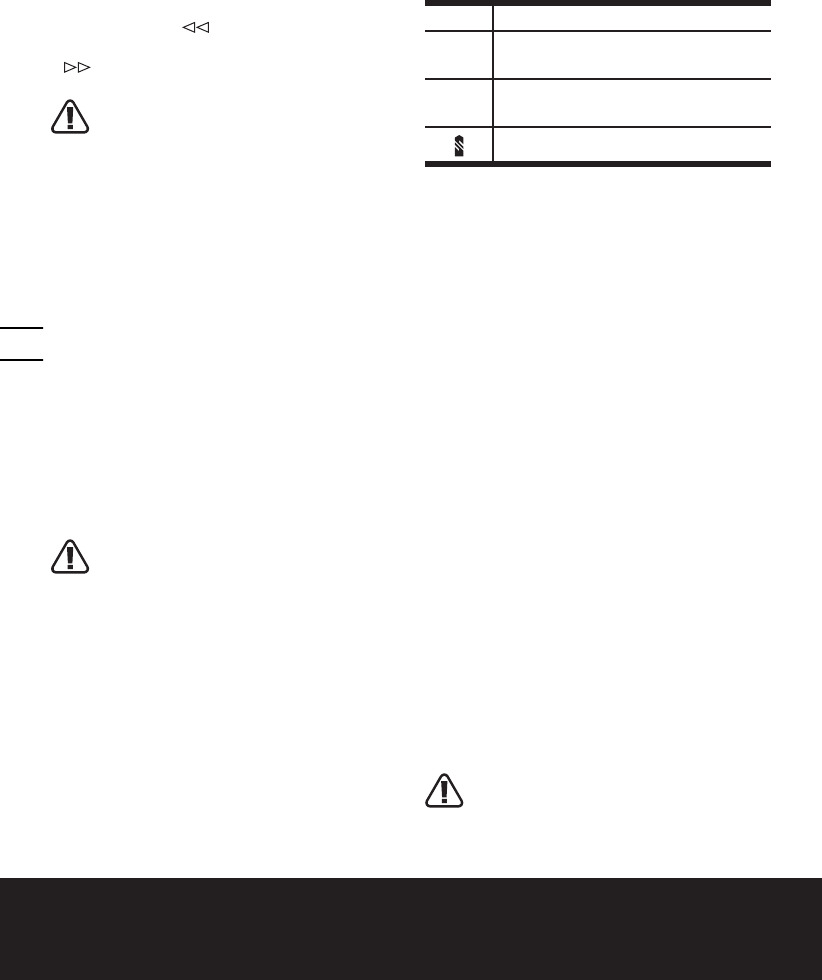
3. REVERSIBLE (See Fig. B)
For drilling and screw driving use forward
rotation marked “
” (lever is moved to the
left). Only use reverse rotation marked
” (lever is moved to the right) to remove
screws or release a jammed drill bit.
WARNING: Never change the
direction of rotation when the
chuck is rotating, wait until it has
stopped!
4. TWO-SPEED GEAR CONTROL (See Fig. C)
The drill has a two-speed gear control
designed for drilling or driving at LO (mark is
1) or HI (mark is 2) speeds. A slide switch is
located on top of the drill to select either LO
or HI speed. When using the drill in the LO
speed range, the speed will decrease and the
drill will have greater power and torque. When
using the drill in the HI speed range, the speed
will increase and the drill will have less power
and torque.
Gear I
Low speed range: for screwdriving or working
with large drilling diameter
Gear II
High speed range: for working with small
drilling diameter
WARNING: To prevent gear damage,
always allow the chuck to come
to a complete stop before changing the
direction of rotation or the two-speed
gear control.
5. CHUCK ADJUSTMENT (See Fig. D)
To open the chuck jaws rotate the front section
of the chuck. Insert the drill bit between the
chuck jaws and rotate the front section in the
opposite direction. Ensure the drill bit is in
the center of the chuck jaws. Finally, firmly
rotate the front chuck section in the opposite
directions. Your drill bit is now clamped in the
chuck.
6. TORQUE ADJUSTMENT (See Fig. E)
(Screw driving force of your drill driver)
The torque is adjusted by rotating the torque
adjustment ring. The torque is greater when
the torque adjustment ring is set on a higher
setting. The torque is less when the torque
adjustment ring is set on a lower setting.
Make the setting as follows:
1 - 4 for driving small screws
5 - 9
for driving screws into soft
material
10 - 15
for driving screws into soft and
hard material
for heavy drilling
7. AUTOMATIC SPINDLE LOCK (See Fig. F)
The automatic spindle lock allows you to use
it as a regular screwdriver. You can give an
extra twist to firmly tighten a screw, loosen
a very tight screw or continue working
when the battery energy has expired. For
manual screwdriver purposes, the chuck is
automatically locked when the tool is off.
8. USING THE LED LIGHT
To turn on the light simply press the on/off
switch. When you release the on/off switch,
the light will be off.
LED lighting increases visibility-great for
dark or enclosed area. LED is also a battery
capacity indicator. It will flash when power
gets low.
9. DRILLING
When drilling into a hard smooth surface,
use a center punch to mark the desired hole
location. This will prevent the drill bit from
slipping off center as the hole is started. Hold
the tool firmly and place the tip of the bit at
the point to be drilled. Depress the switch
trigger to start the tool. Move the drill bit into
the workpiece, applying only enough pressure
to keep the bit cutting. Do not force or apply
side pressure to elongate a hole.
Tungsten carbide drill bits should
always be used for concrete and
masonry. When drilling in metal, only use
HSS drill bits in good condition. Always
Descargue el manual en Español (PDF, 2.14 MB)
(Piense en el medioambiente y solo imprima este manual si es de verdad necesario)

Loading…

Puntuación

Dé su opinión de la Worx WX125.6 D-Lite Atornillador taladrador calificando el producto. ¿Quiere compartir su experiencia con este producto o hacer una pregunta? Deje un comentario en la parte inferior de la página.
¿Estás satisfecho con elWorx WX125.6 D-Lite Atornillador taladrador?
No
Sea el primero en calificar este producto
0 votos

Únase a la conversación sobre este producto

Aquí puedes compartir lo que piensas sobre Worx WX125.6 D-Lite Atornillador taladrador. Si tiene alguna pregunta, primero lea atentamente el manual. Puede solicitar un manual utilizando nuestro formulario de contacto.

Más sobre este manual

Entendemos que es bueno tener un manual en papel para tus Worx WX125.6 D-Lite Atornillador taladrador. Siempre puedes descargar el manual desde nuestro sitio web e imprimirlo tú mismo. Si deseas tener un manual original te recomendamos contactar con Worx. Es posible que puedan proporcionar un manual original. ¿Estás buscando el manual de tu Worx WX125.6 D-Lite Atornillador taladrador en otro idioma? Elija su idioma preferido en nuestra página de inicio y busque el número de modelo para ver si lo tenemos disponible.

Especificaciones

Marca Worx
Modelo WX125.6 D-Lite
Categoría Atornilladores taladrador
Tipo de archivo PDF
Tamaño del archivo 2.14 MB

Todos los manuales para Worx Atornilladores taladrador
Más manuales de Atornilladores taladrador

Preguntas frecuentes sobre Worx WX125.6 D-Lite Atornillador taladrador

Nuestro equipo de atención al cliente busca información útil sobre los productos y responde a las preguntas frecuentes. Si encuentra inexactitudes en las preguntas frecuentes, indíquenoslo usando nuestro formulario de contacto.

Sigo quitando la cabeza del tornillo cuando uso el destornillador. ¿Porqué es eso? Verificado

La mayoría de los destornilladores pueden configurarse para atornillar más fuerte o más suave. Si la cabeza sigue siendo despojada, el taladro-destornillador probablemente debería colocarse en una configuración diferente. Cuando se trata de un dispositivo inalámbrico, asegúrese siempre de que la batería esté cargada para obtener un resultado óptimo.

Ha sido de gran ayuda (96) Leer más

¿Necesito usar protección auditiva cuando utilizo un taladro? Verificado

Si deberías. Aunque la cantidad de ruido producido por un taladro puede variar entre marcas y modelos, la exposición prolongada a ruidos fuertes puede causar daños auditivos permanentes. Por eso es una buena idea usar protección auditiva.

Ha sido de gran ayuda (37) Leer más

¿Puedo guardar herramientas eléctricas en un cobertizo o garaje? Verificado

En general, las herramientas eléctricas se pueden guardar en un cobertizo o en un garaje, aunque a veces haga frío allí. Sin embargo, para prolongar la vida útil de la herramienta eléctrica, es mejor guardarla en un lugar seco y sin grandes fluctuaciones de temperatura. En un cobertizo o garaje, las diferencias de temperatura pueden provocar la formación de condensación, lo que puede provocar oxidación. Además, las herramientas que funcionan con baterías duran menos y no se cargan tan bien a temperaturas muy bajas. Para estar seguro de cómo debe almacenarse su herramienta eléctrica, lea siempre detenidamente el manual del usuario.

Ha sido de gran ayuda (29) Leer más
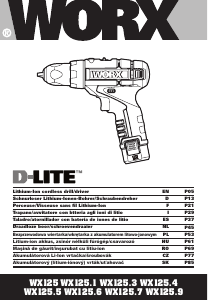
Manual de uso Worx WX125.6 D-Lite Atornillador taladrador

Productos relacionados

Categorias relacionadas

×
Download